A Slow Website and Its Impact on Sales: The Numbers You Should Know
A slow website is not just uncomfortable. Conversion, search ranking, and ad costs take the hit too. Here are the most common causes and how to fix them in stages.
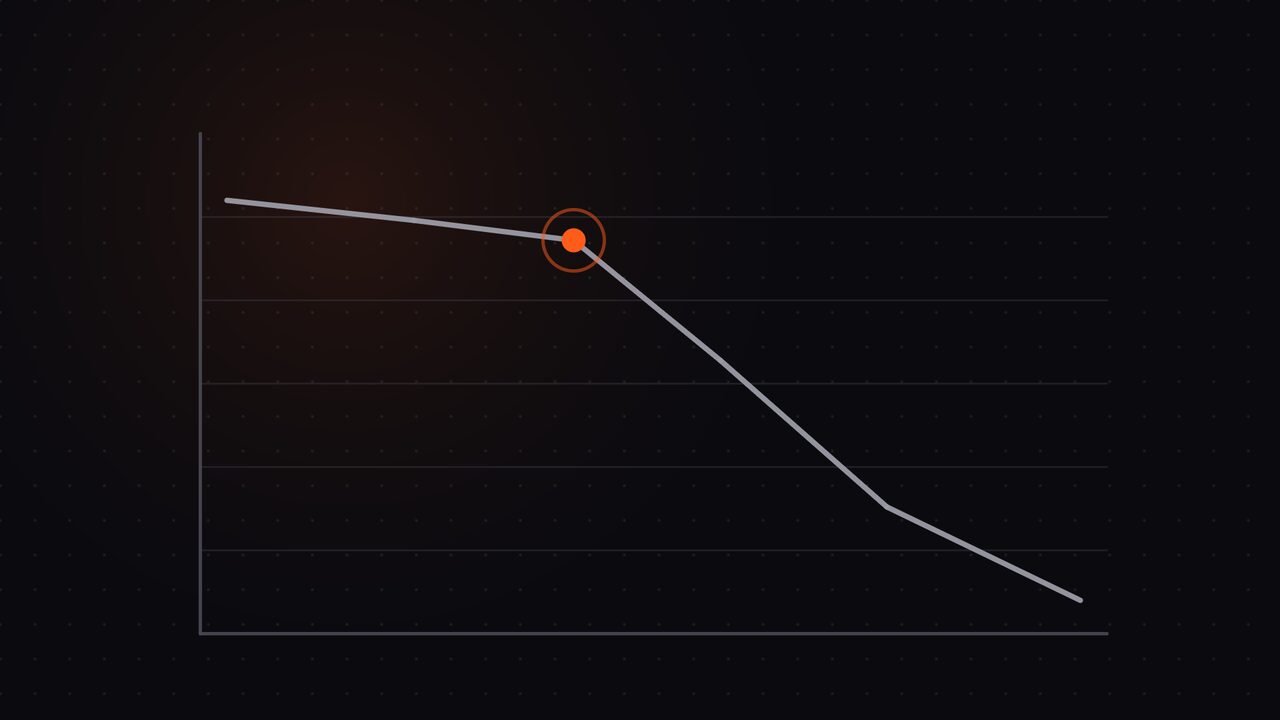
Website owners often treat speed as a technical matter unrelated to revenue. In fact, speed is one of the factors whose effect on sales is easiest to measure.
Imagine running ads and bringing in a hundred visitors. If your page takes six seconds to open, some of them have already closed the tab before seeing your product. You still paid the ad cost for them, but the opportunity was gone before it could form.
This is what makes speed different from most technical problems: its impact can be calculated, and the fix usually does not require a big change.
Why speed affects sales
There are three main paths, and all three work together.
Path one: impatient visitors. Visitors do not consciously assess your website’s speed. They just feel comfortable or not, then decide to continue or leave. A long-feeling wait reduces trust, especially on websites asking for personal data or payment.
Path two: search engine ranking. Page speed, especially on mobile devices, is one factor search engines use to determine position. A slow website competes from a weaker position from the start, no matter how good its content is. If your website is also hard to find in search, the other common causes are covered in the article on a website that does not appear on Google.
Path three: inefficient ad spend. If you advertise, speed determines how much of the cost genuinely produces meaningful visits. A slow page raises the cost per result without any change to the ad itself.
The three measurements that matter most
You do not need to understand every technical term. These three are enough to assess whether your website needs fixing:
- When the main content appears. How long before a visitor can read the most important part of the page. This is the most felt by visitors.
- Response time when a button is pressed. How quickly the page reacts to a touch or click. Delay here makes a website feel “heavy” even when the page has already displayed.
- Layout stability. Whether page elements shift after appearing. This makes visitors press the wrong button, and that experience is very damaging in a purchase process.
Try testing your website with a free speed measurement tool. Look at the figures for mobile devices, not only desktop.
The most common causes of a slow website
From the dozens of websites we check, the causes repeat and are recognisable.
Unoptimised images. This is the number one cause. Photos of several megabytes are placed directly, and the page must load all of them before showing anything. Modern image formats and screen-appropriate sizing can cut a page’s weight drastically.
Too many plugins loading their files across every page. Every plugin adds files, and those files are often loaded site-wide when they are only needed on one page.
Hosting that does not fit the need. The cheapest hosting plans are usually designed for small websites with few visits. When traffic grows, the website slows not because of a configuration error, but because the resources are insufficient.
A heavy theme. Some themes load large frameworks and appearance customisations you do not actually use.
Third-party content installed on the page. One script from an outside service can slow the whole page, because the browser must wait for that service’s server to respond.
Cache not enabled or not configured correctly. Cache stores a ready-to-display version of pages, so the server does not rebuild them every time.
A bloated database. Page revisions, temporary records, and data from deleted plugins can pile up over years and slow processing.
Fixing it in stages according to budget
You do not have to do everything at once. This order is arranged by the biggest impact for the smallest effort.
Stage one, no extra cost. Optimise images, enable cache, and delete unused plugins. This usually already gives a felt improvement.
Stage two, small cost. Move images to a more efficient format, delay loading images below the fold, and reduce non-essential third-party scripts.
Stage three, moderate cost. Fix the server configuration, add faster file delivery, and tidy the database. At this stage, fixes usually need someone technically experienced.
Stage four, investment. Upgrade the hosting quality, or switch to a lighter theme. Consider this stage if the previous three are done and the result is still not enough.
What to avoid: paying for expensive hosting first when the main cause is unoptimised images. The money goes out, but the result does not match.
How to measure the results
Speed fixes must be measured, otherwise you will not know whether the money worked. Three things are easiest to track:
- The speed score of the homepage and product pages from a free measurement tool, compared before and after.
- The bounce rate from the analytics tool, particularly on mobile devices.
- The number of leads or orders, compared with the number of visits. If visits do not change but the results rise, speed is probably playing a part.
Note the date of each change, so you can connect results to the work done.
Why speed tends to worsen over time
This is why the work should not be done once and abandoned: websites tend to slow over time, with nobody deliberately slowing them.
New images are added uncompressed. New plugins are installed for every small need. Content grows and the database gets bigger. All of this happens naturally, and that is why a website that was once fast can feel heavy two years later even with no big change.
So speed checks should be part of routine care, not a one-off project.
Common mistakes when speeding up a website
Some attempts that seem sensible actually cause damage. These are the ones we most often find when taking over a website that was previously self-optimised:
- Over-compressing images. The page gets light, but images look broken and actually reduce visitor trust.
- Installing several cache plugins at once. They clash, and the result is sometimes slower than no cache at all.
- Storing all files with a global content provider with no configuration. The website feels slow in Indonesia even though a measurement tool abroad shows it as fast.
- Only speeding up the homepage. Product and service pages, where buying decisions happen, are left as they are.
- Testing only from a computer. Most of your customers use phones on networks that are not always good.
One habit avoids all the mistakes above: measure before and after every change. Without measurement, it is very hard to distinguish fixes that genuinely worked from ones that merely felt better.
Why cheap hosting is often the cause
Many websites we check turn out to be correctly optimised but still slow. On tracing, the source is the hosting: the plan in use is not designed for the load the website now receives.
The signs usually show in these patterns. The website feels slow at busy hours but normal at midnight. The admin pages feel heavy when saving changes. The website was fast after a move, then slow again months later as visits grew.
It should be underlined: cheap hosting is not automatically bad. For a profile website with limited visits, a simple plan is enough. The problem appears when a website already producing leads or sales keeps running on a plan designed for a test website.
Before deciding to upgrade the hosting plan, confirm the cause is really there. We often find cases where hosting was moved first, when only images and cache needed fixing. So our suggested order is always the same: fix the free things first, measure the result, then consider extra cost.
The effect on the buying experience on phones
Speed hurts most in the purchase process on phones. Consider the sequence your potential customer goes through: opening the page, scrolling to see options, opening a product detail, adding to the cart, filling in shipping data, choosing payment, then waiting for confirmation.
Every step is a chance to stop. A slow website doubles those chances, because visitors must wait repeatedly in the same process. There is a pattern we often observe: visitors tolerate a slow page once, but leave if they have to wait again at the next step.
So speed fixes for an online store should prioritise the three most decisive pages: the category or product list page, the product detail page, and the payment page. These three often prove to give an immediately felt sales improvement, while speeding up other pages gives a smaller result. Full care for online stores is covered in the article on caring for a WooCommerce website.
If your budget is limited, start with those three pages.
The link between speed and ad cost
If you advertise, website speed determines how far your ad budget goes. The reason is not that advertising platforms punish slow pages, but that visitor behaviour changes.
Consider the journey of everyone who clicks your ad. They open the page, wait, then decide within seconds whether to stay or go back. If they go back, the click cost is already paid, but no lead was produced. In the report, this shows up as an expensive cost per lead even though the ad itself did not change.
This is why speed fixes often feel like a marketing cost reduction, even with no change to the budget or the keywords. What changed is only how many of the visits actually got to read your offer.
For websites relying on ads, the priority order usually differs from websites relying on search. For an advertising website, speed up the ad landing page first — that is almost always the biggest loss point.
When to ask for help
If your website is already slow and you have no time to trace the causes one by one, the most practical step is to have it checked first. Once the main causes are known, the fixes can be planned in stages according to your budget.
We check website speed together with the things around it: image condition, plugin pile-up, cache configuration, and server resources. Speed optimisation is included in the monthly care plans from the Growth plan upwards, so the results are maintained month to month.
Request a free audit to find the main causes of your website’s slowness, or chat on WhatsApp if you would like to ask about the technical side first.
Does any of this look like your website?
Tell us on WhatsApp. We look first, explain what needs fixing, then you decide. For a fuller picture, request the free audit.
Related articles.

Website Maintenance Services: What Should You Actually Get?
What website maintenance is, which work should be included, what it costs, and how to judge whether your business needs it now.

Monthly Website Care: 10 Jobs That Should Be Done Every Month
A breakdown of ten jobs a monthly website care service should do, from updates and backups to the report you must receive, plus how to check each one.

WordPress Website Care: Why WordPress Needs Specialist Maintenance
Why WordPress needs specialist care compared with other platforms, its typical risks, and what a competent WordPress care service actually does.